If you're experiencing bandwidth issues, this is the way to go.
When you dial into a meeting, you can hear everyone in the meeting, but won't be able to see anyone or what they share during the meeting.
| 1 | Open your meeting invitation and call one of the numbers under Join by phone. Depending on the host's meeting plan, your email invite provides a list of call-in numbers, 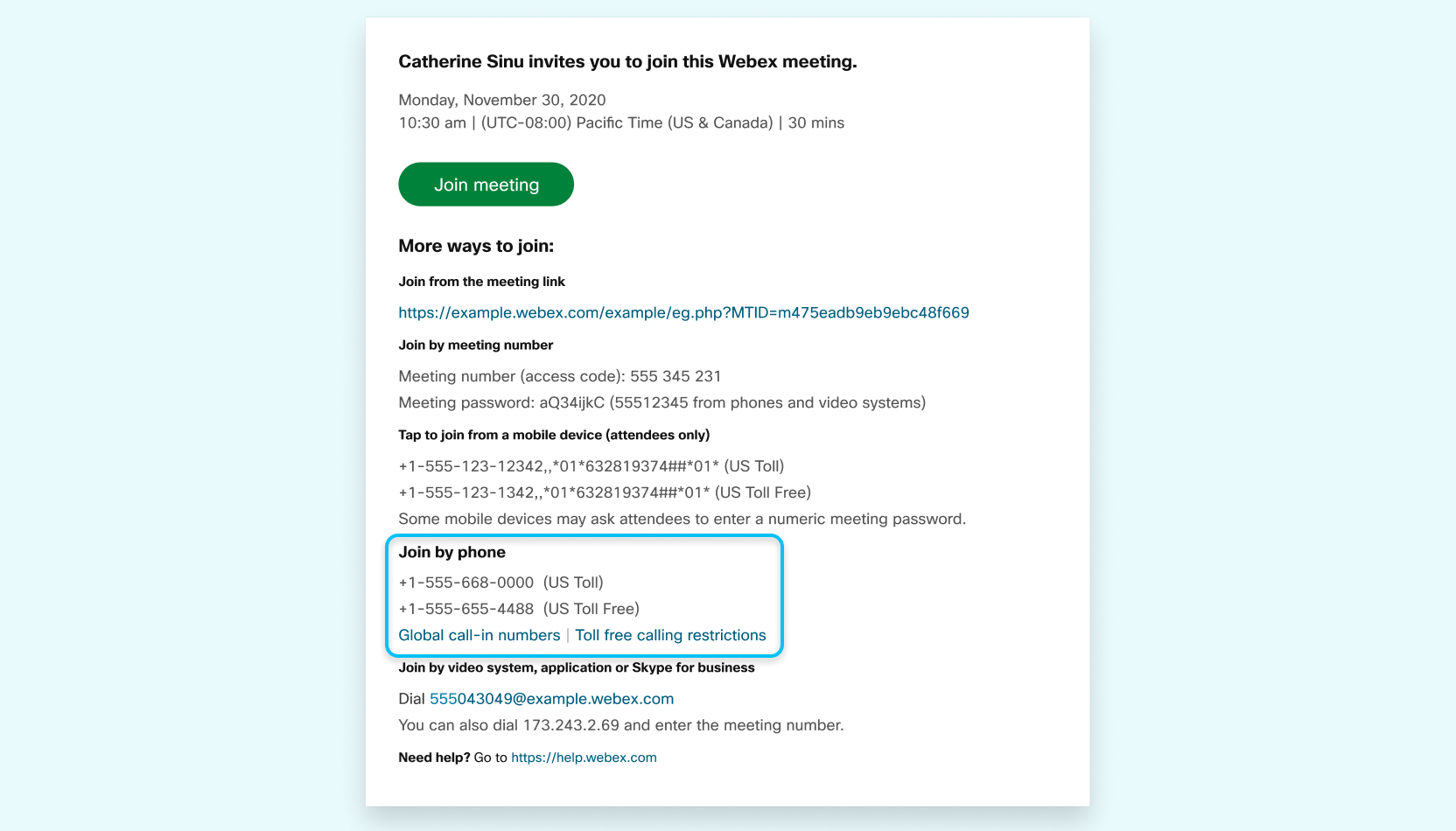 |
| 2 | Enter your meeting or access code, then press #. 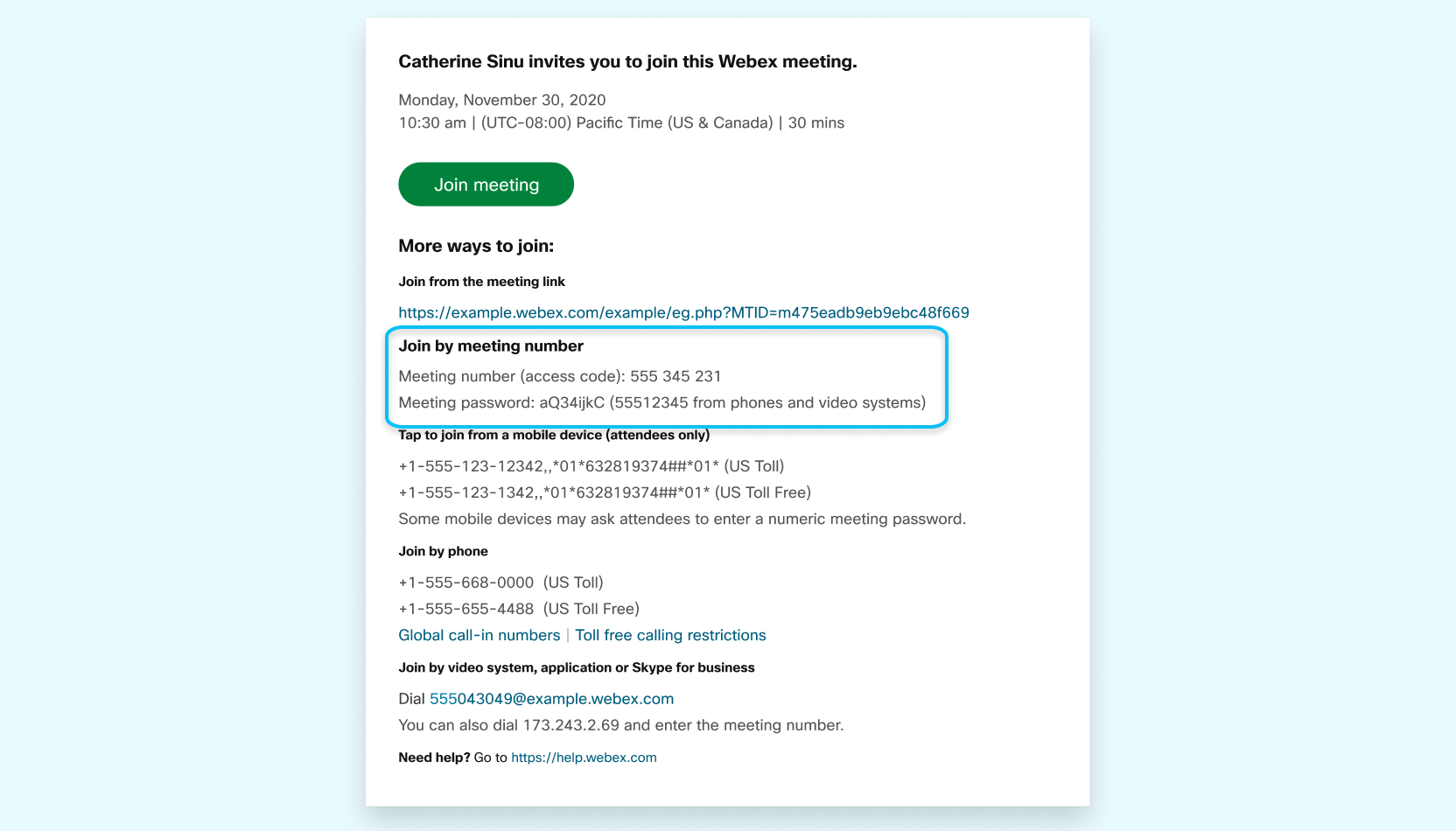 |
| 3 | Enter your attendee PIN or ID, if you have one. If you don't, press # to be placed in the meeting lobby where the meeting host can admit you. |
Join using a computer or mobile device to see what's being shared in your meeting.
Was this article helpful?
That’s Great!
Thank you for your feedback
Sorry! We couldn't be helpful
Thank you for your feedback
Feedback sent
We appreciate your effort and will try to fix the article